Pleroma Frontend and Clients
A review of clients for Pleroma and Mastodon.
Desktop
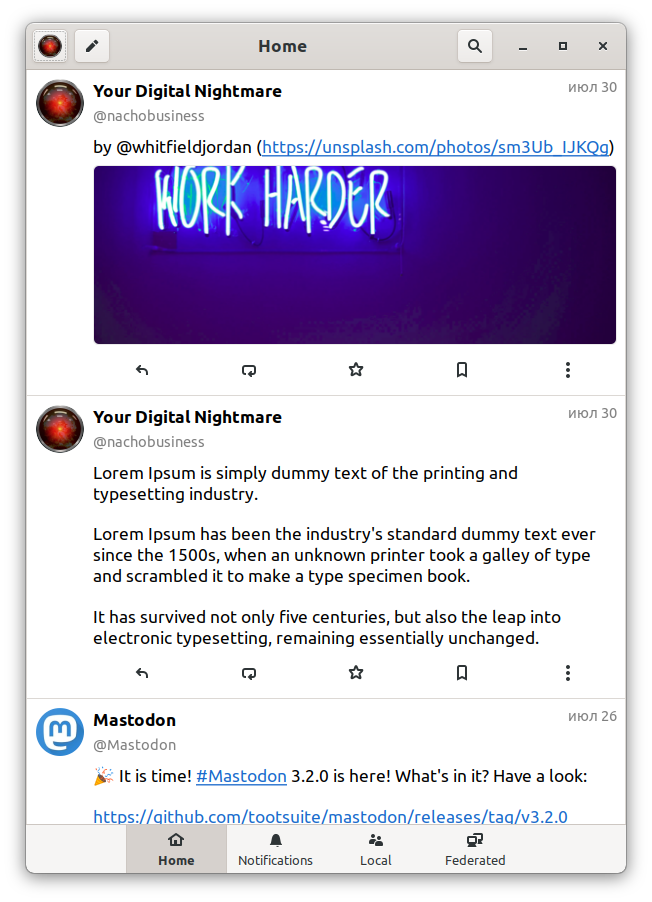
Tootle
GTK client for Mastodon and Pleroma under Linux. Tootle is very easy to learn and is great for newcomers to the Fediverse. Tootle doesn't handle content (audio, video, images) very conveniently — they open locally rather than from within the client. Additionally, like many other clients oriented toward Mastodon, Tootle won't let you write a message longer than 500 characters, even if the instance's limit is higher.
The reply, reblog, favorite indicator system is not fully active.
Web
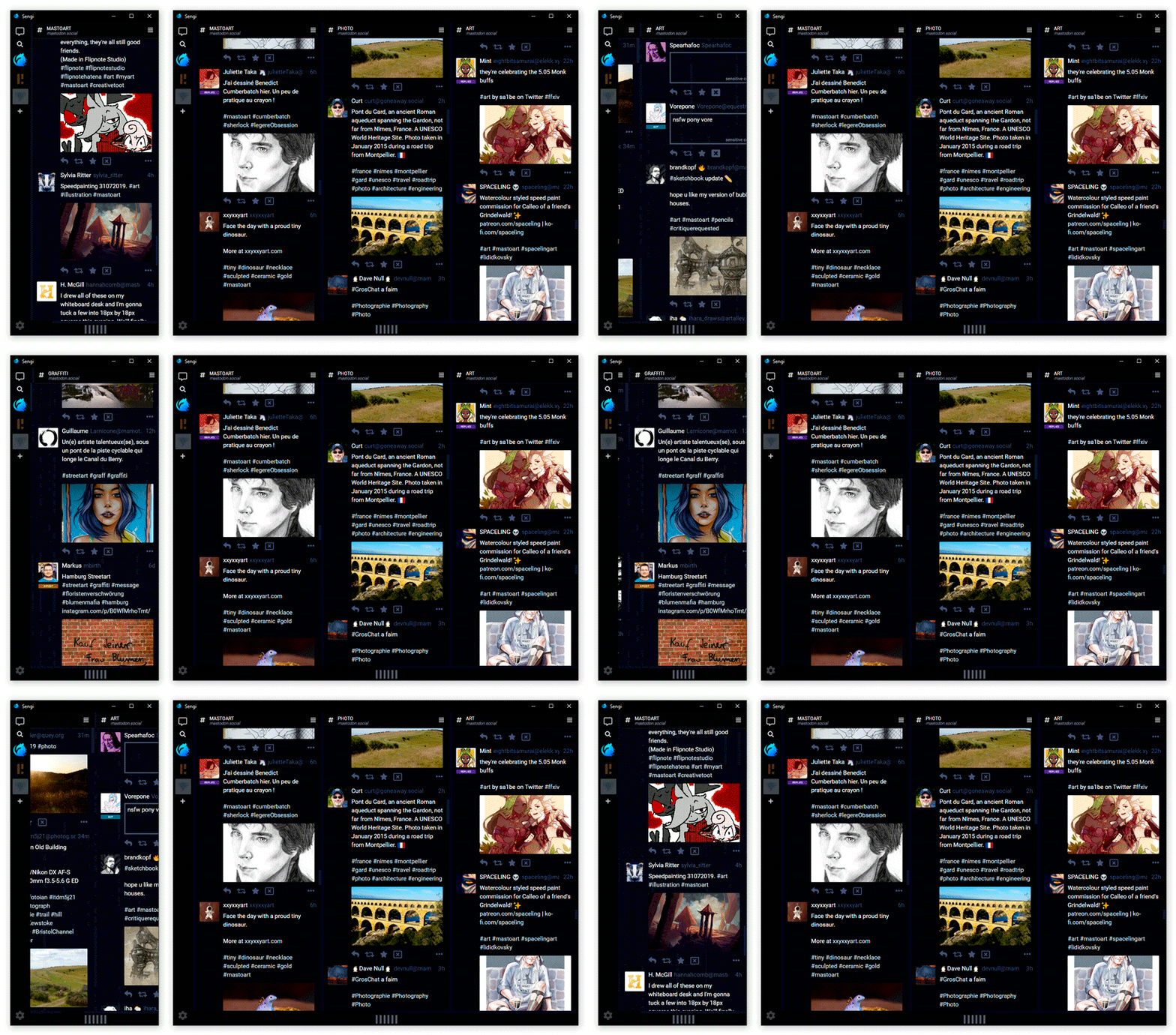
Sengi
A web client for Mastodon and Pleroma supporting multi-account. Sengi has a multi-column UI like Mastodon. The functionality is focused on columns — they can be moved and their display customized. Among interesting features — the client has a built-in Twitter bridge, meaning you can subscribe to a Twitter account.
With this client, the situation is reversed — it has excellent color indicators for replies, but the favorite and reblog indicators are not active (you can't see the count or whether they exist).
Hyperspace
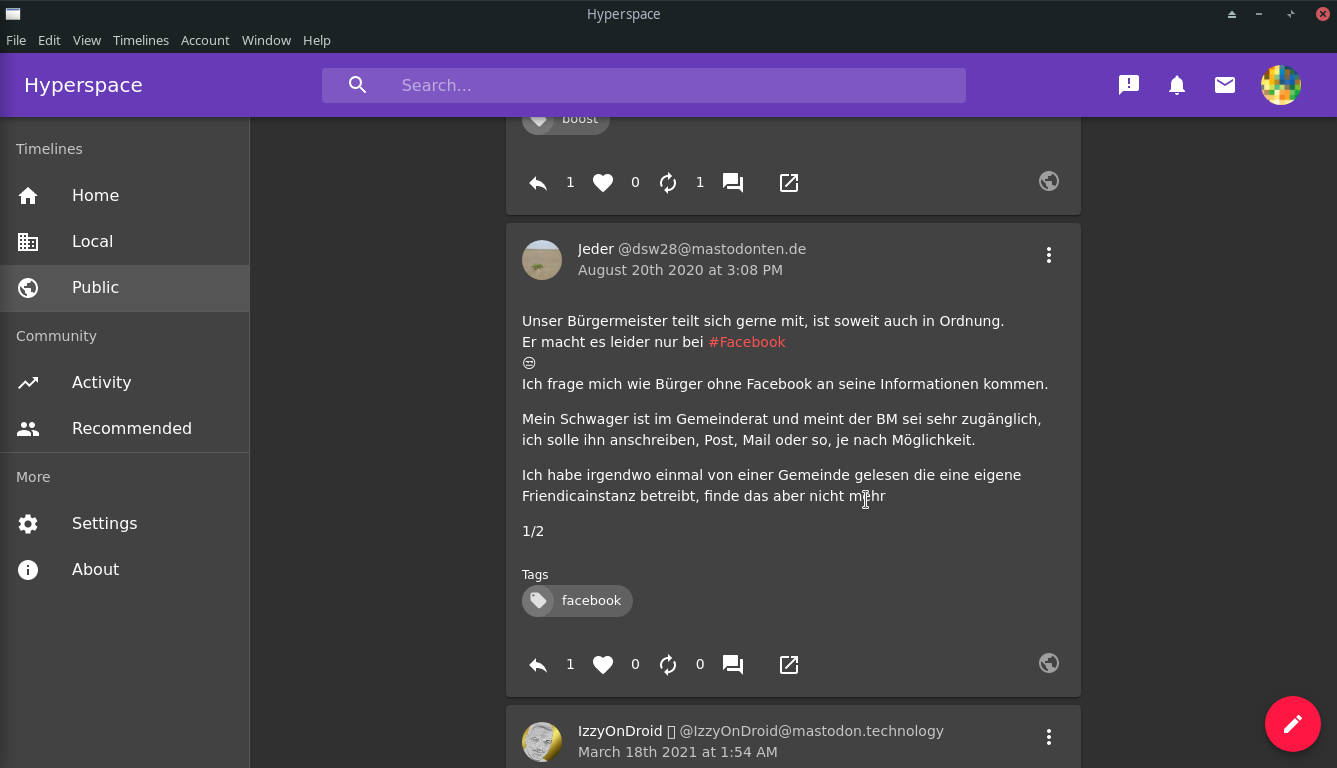
A web client for Mastodon and Pleroma. I'd like to immediately note a downside — the client can't upload images. Hyperspace has a single-column UI, but you can enable tile view in the settings. On the plus side — a beautiful and well-thought-out design; mentions and tags are placed in a separate area, which is quite convenient.
Pinafore
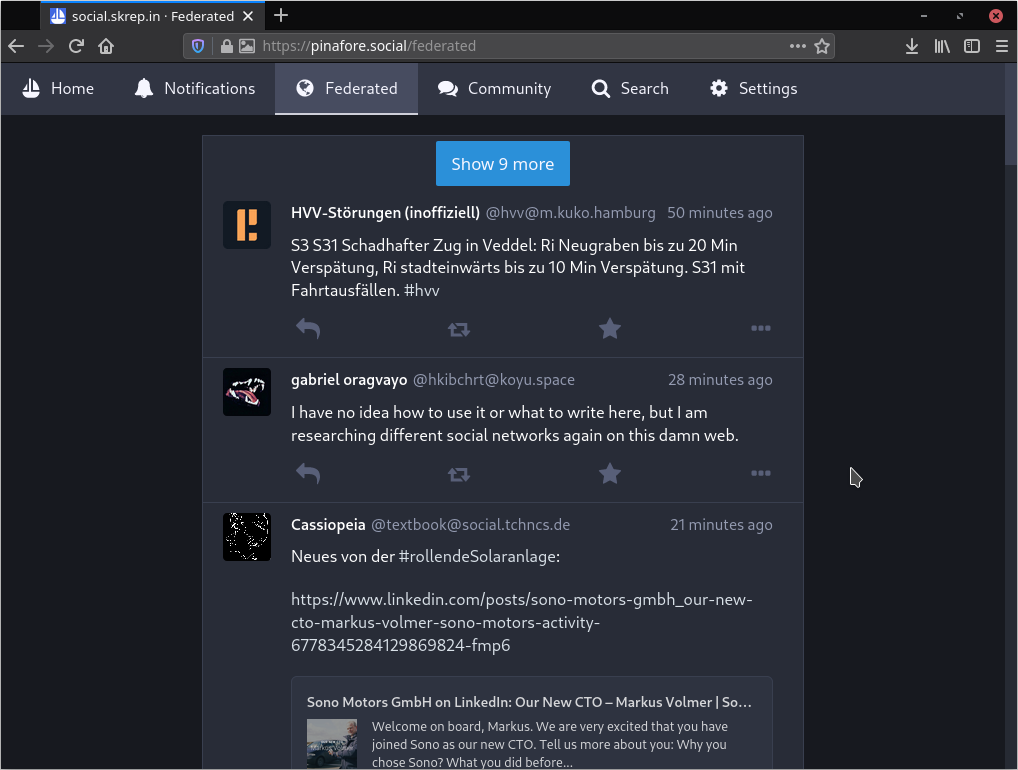
A single-column web client that resembles Twitter. Overall, Pinafore is a simple, no-frills client that loads very quickly. One additional feature is that it allows users to log into multiple accounts and switch between them within the client.
But what particularly impressed me was the "Wellness settings" designed to reduce the addictive or anxiety-inducing aspects of social networks. For example, you can hide the number of followers, the number of reposts, or hide notifications. These settings are partially based on guidelines from the Center for Humane Technology.
Same problem here — the reply, reblog, favorite indicator system is not fully active.
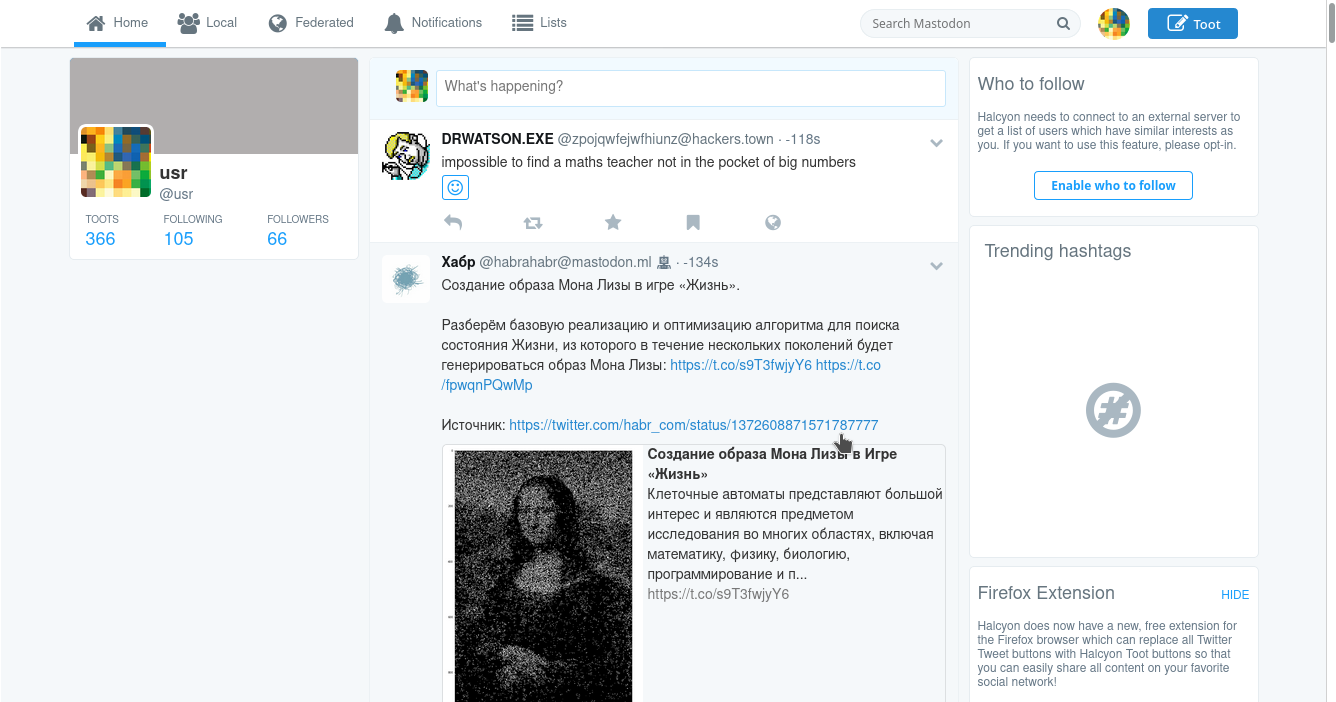
Halcyon
A web client for Mastodon and Pleroma whose goal is to recreate a simple and beautiful Twitter-like user interface while preserving all the advantages of decentralized networks. Halcyon can serve as an excellent alternative for anyone migrating from Twitter to the Fediverse.
Features:
- Supports custom character limits for Pleroma and Mastodon.
- Supports custom emoji in messages and usernames
- Supports the polls feature
- No ads or trackers.
- It's open source — You can help add features you're missing.
- Has full support for lists, including create/edit/delete
- Has full support for filters
- Supports the polls feature
- There are dozens of free Halcyon instances — No single point of failure.
- Halcyon is available in many languages — Currently 9
- Supports various media files, such as GIFs, videos, or audio files
- Thread construction
What I particularly liked was the ability within Halcyon to set up redirects to privacy-respecting frontends like Invidious, Nitter, Bibliogram, and even NoFB. That alone is enough to fall in love with Halcyon.
Brutaldon
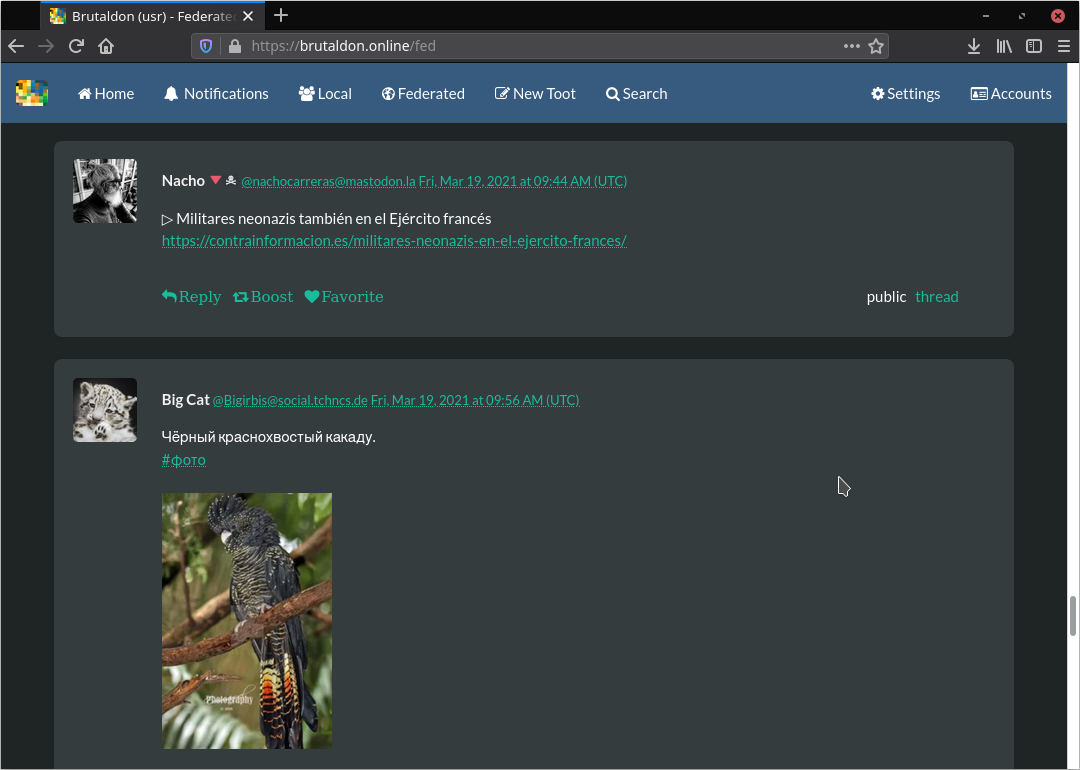
One of the most unusual web clients on this list, in the sense that it's built according to the aesthetics of brutalist web design. It's designed to work well in text-based web browsers like Lynx, w3m, or elinks and doesn't require JavaScript to function. Brutaldon still lacks some features you might need, such as lists, filters, and editing your own profile.
The client adheres to its own aesthetic:
- No automatic page updates — refresh the page to see new messages
- No infinite scrolling, there's a "next page" link
Brutaldon's visual design won't be to everyone's taste, but it's well optimized and loads quite quickly.
The reply, reblog, favorite indicator system is only active for the user — i.e., you see your own marks, but not others'.
Bloat
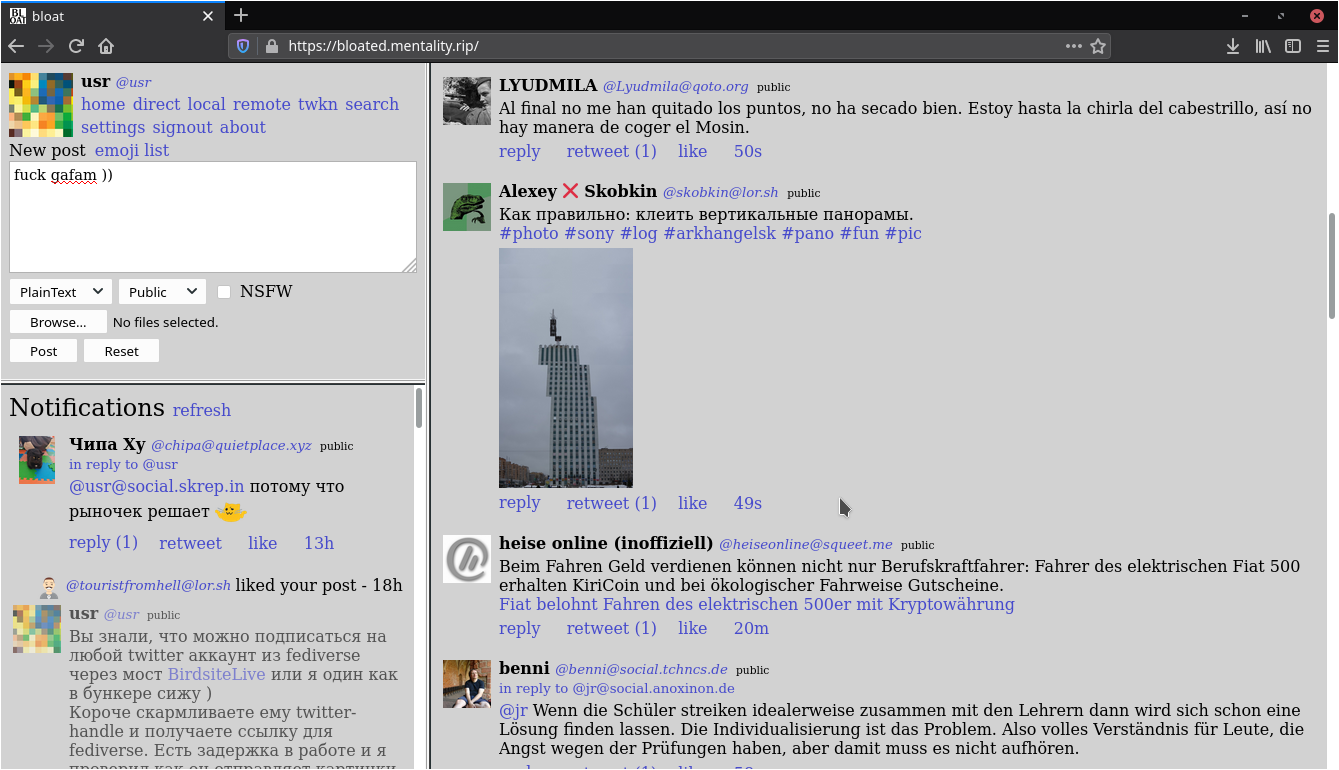
Another web client for minimalism enthusiasts that requires no JavaScript at all to display text, images, audio, and video. A special feature of Bloat is the ability to read the remote feed of another separate instance. For reference, here's the link to the git repo.
Frontend
Mastodon FE
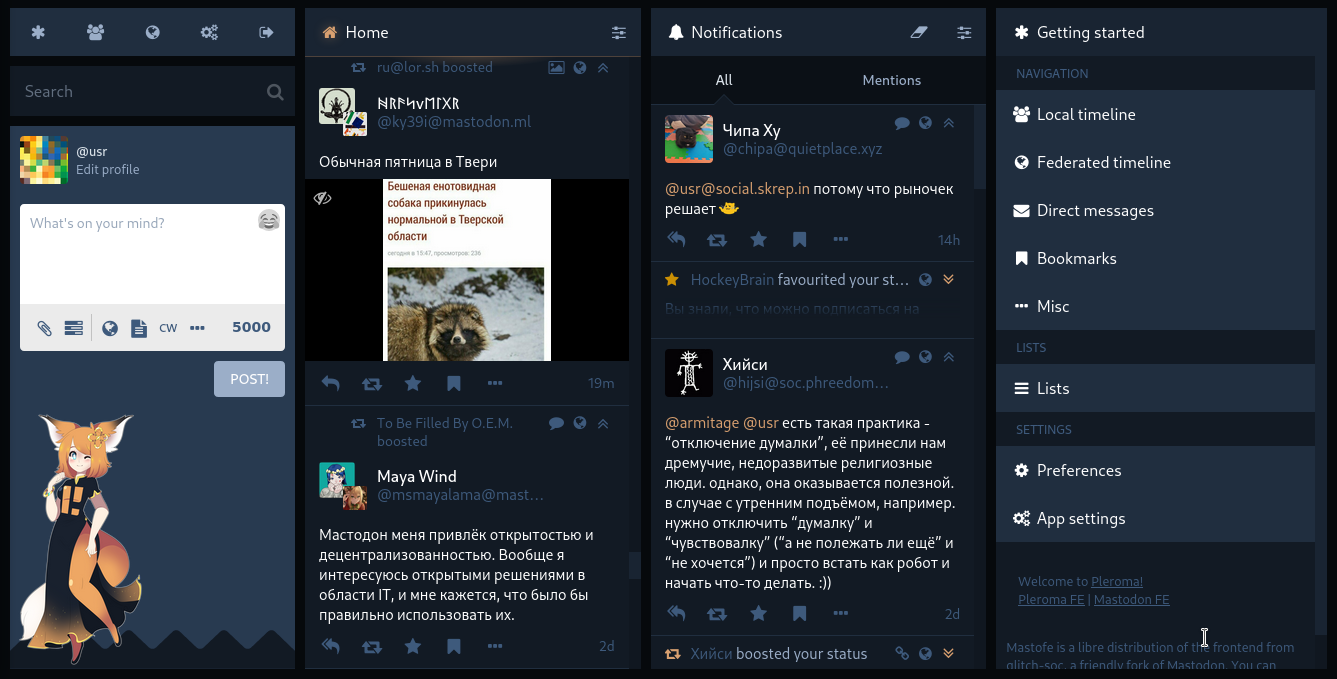
A multi-column frontend for Pleroma from Glitch-soc (a Mastodon fork). It's similar to Mastodon's UI but has new features and a slightly different design aesthetic. By default, columns are wider to fill available space, and indicators reflect the type of status content. Curiously, Glitch also comes with a drawing interface. While the usefulness of this feature is debatable, it's a cute idea and works for general use; read more about this feature in the documentation.
It's typically available on many Pleroma nodes at /web (e.g., domain.tld/web)
Soapbox
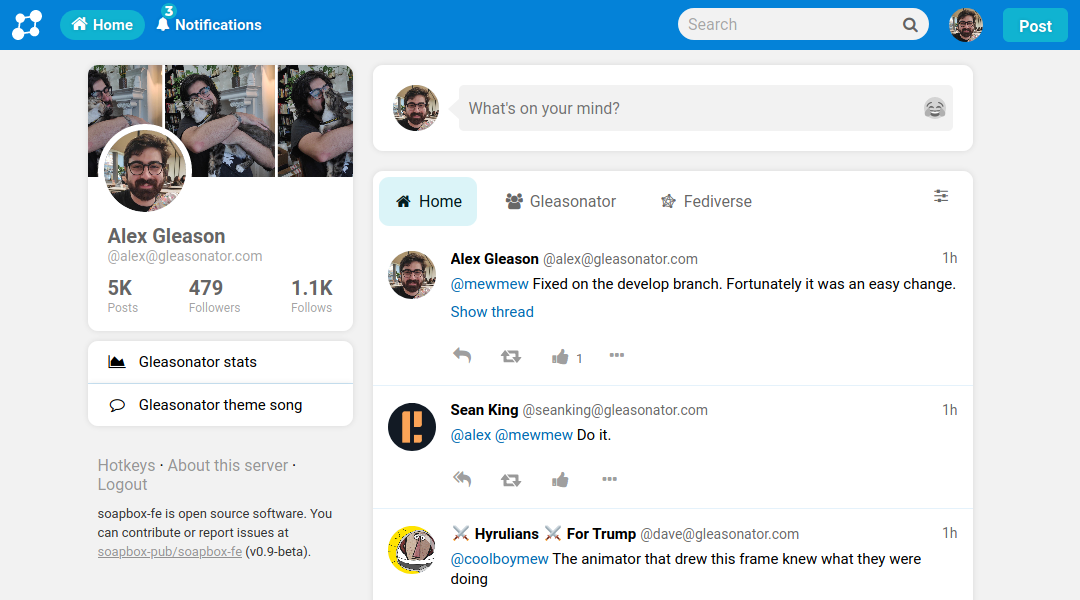
A single-column frontend for Pleroma with an emphasis on personal branding and ease of use. It's actually very easy to install. And it's extremely pleasant to use. But Soapbox has some drawbacks — much of the functionality is cut down (for example, exporting/importing subscriptions and hiding the contact list), but when it comes to UI, it's really cool. And Soapbox supports reactions!
PleromaFE
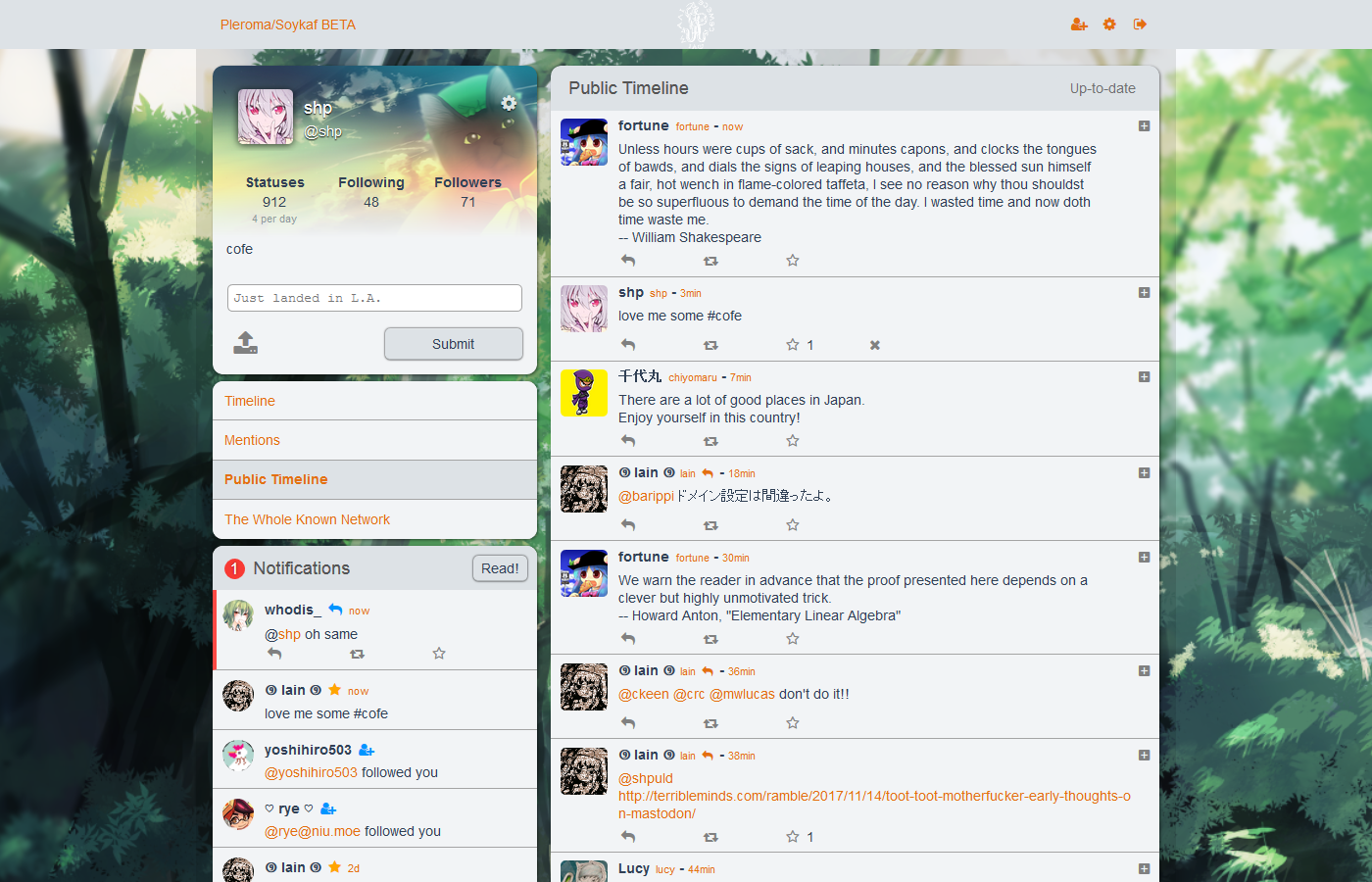
The default frontend for Pleroma. Its user interface is modeled after Qvitter, which was inspired by the old Twitter design. It provides a simple 2-column interface for microblogging. While simple by default, it also provides many powerful customization options.
I'm sure the first thing a newcomer to Pleroma feels is horror. At first glance, PleromaFE seems scary. But if you get used to it and figure it out, you'll find that PleromaFE is the most convenient of them all.
Android
Husky
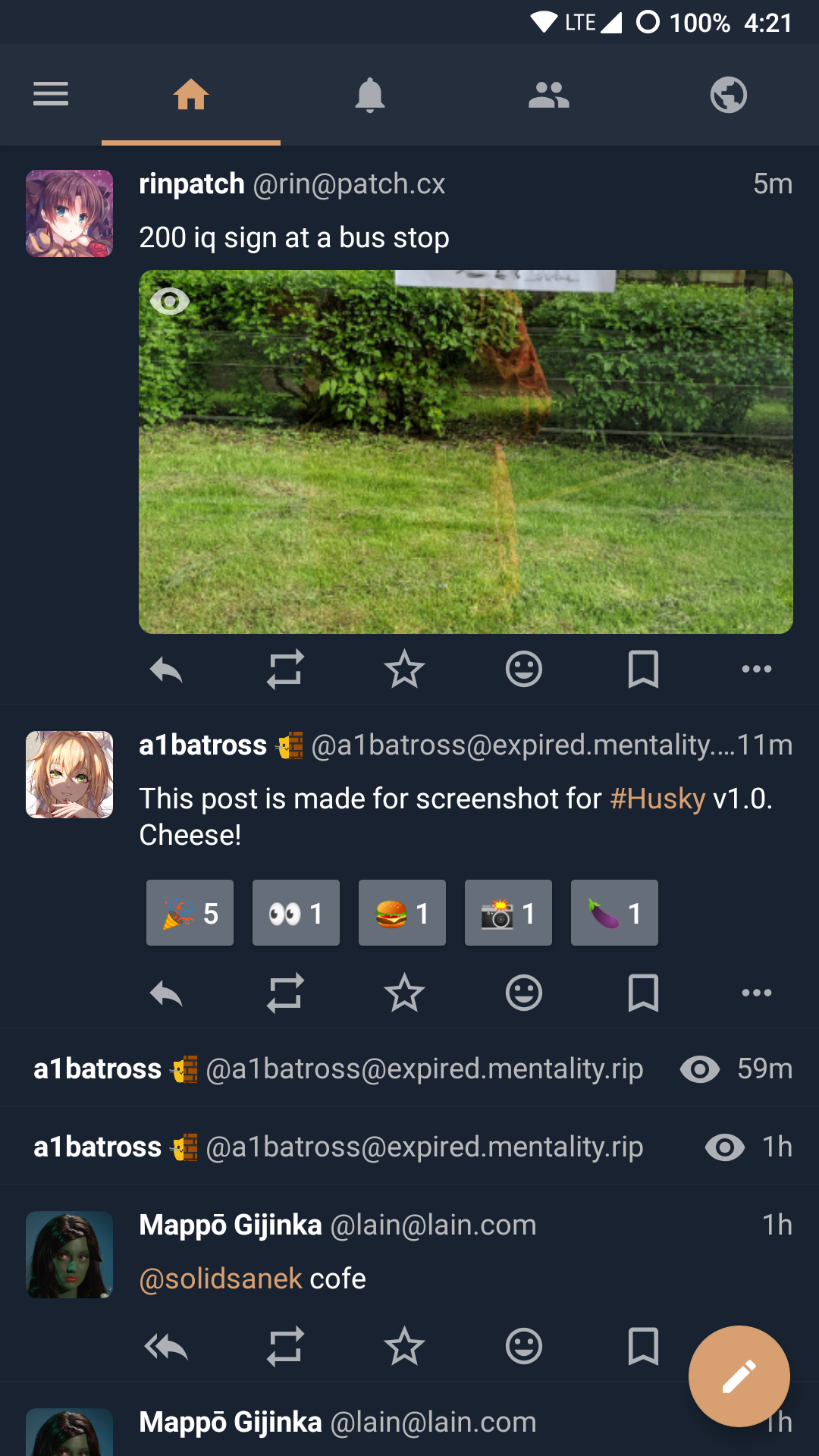
A lightweight and fast client for Pleroma, Mastodon, and other social networks that implement the Mastodon API. It supports Pleroma-specific extensions such as reactions, unlimited attachments, stickers, Markdown support with a WYSIWYG editor, user status, and more emojis!
Link on F-Droid
Fedilab
A multi-functional Android client for accessing the Fediverse. Supports popular platforms such as:
- Mastodon
- Pleroma
- Pixelfed
- Peertube
- GNU Social
- Friendica
The app has advanced features (especially for Pleroma and Mastodon):
- Multi-account
- Scheduled messages
- Art feed
- Keyword filter
- Lists
- Proxy support
- Data export directly from the client
- Theme switching
- Redirect configuration to Nitter, Bibliogram, Invidious
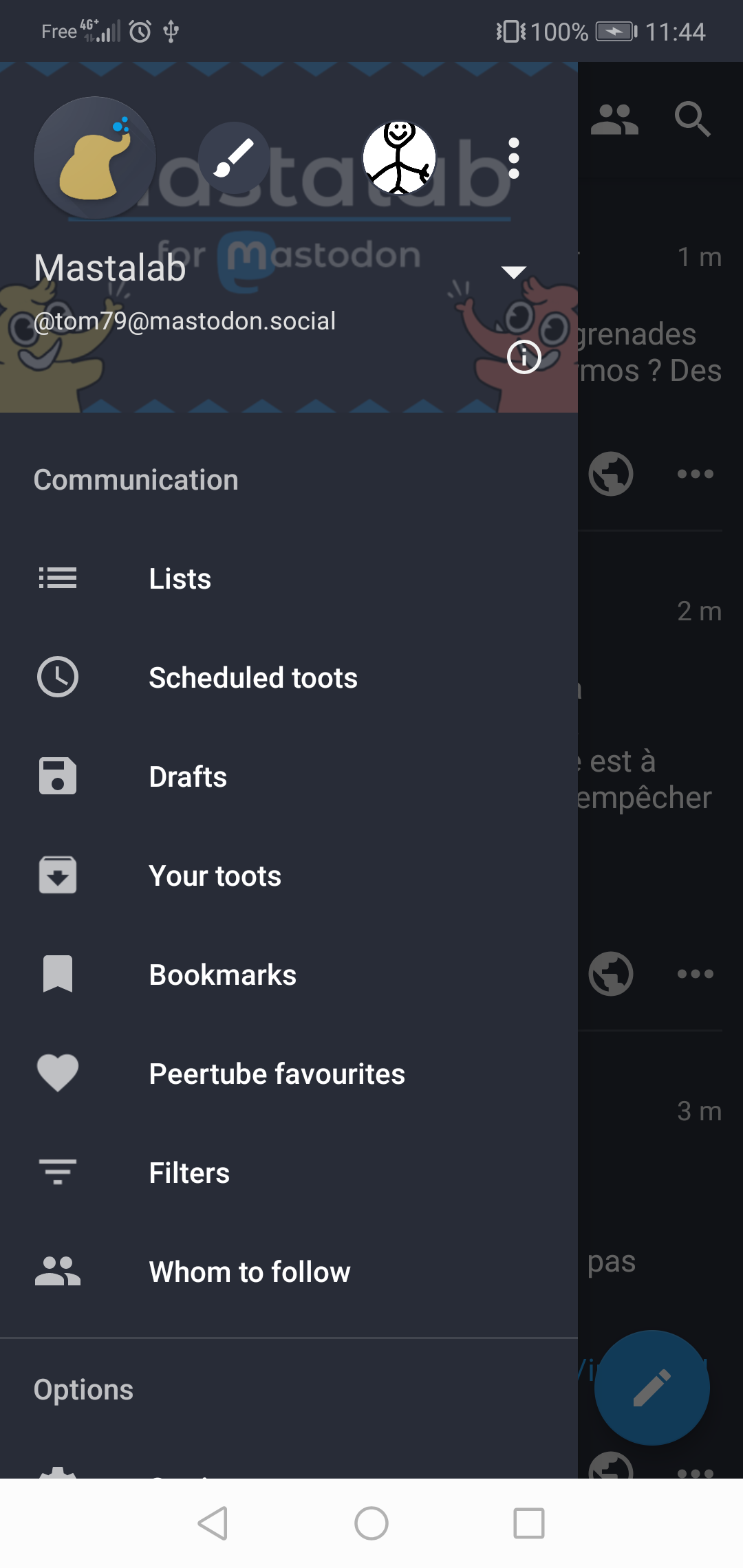
The art feed feature deserves a mention — nothing like it exists in any other client. The message and notification statistics feature, which even allows you to build graphs, was especially surprising. I was also very pleased with the simple but extremely necessary "Who to follow" feature implemented using the trunk api. The idea is that the user selects topics they're interested in (like programming, books, or art) and is suggested accounts to follow. Plus, you can choose a Mastodon instance before registering using instances.social
Conclusion
In this client review, I paid the most attention to reply, reblog, favorite indicators, reaction support, and the thread system. In my humble opinion, this indicator system should be clear and understandable for a comfortable experience in the Fediverse. And threads shouldn't open in a new window (like in Soapbox, for example).
There are many worthy clients in the list, but I use PleromaFE. Because in the Fediverse, you interact not only with text but also with media content and links, and it's much more convenient to do that from a browser than from a client. What else I like about PleromaFE is its flexible settings and thread system — it's the most convenient thing I've ever used.
I was inspired to write this text by the article "Your guide to alternative frontends for Mastodon and Pleroma" More information about mobile clients: joinfediverse.wiki and Delightful Fediverse clients